

The best AI search analytics tools help you measure brand visibility inside AI-generated answers by tracking prompts, competitors, and citations/sources. This way, you can explain why an AI model recommends one brand over another and improve your visibility over time.
If you’re new to the topic, read these first:
TL;DR
- Don’t buy a tool before you define what you’ll track. Start with a baseline prompt set (10–15).
- Prioritize tools that show citations/sources (domains + URLs), not just “mentions.”
- Agencies should optimize for multi-client reporting + exports. In-house teams should optimize for actionability.
- Compare tools using the same demo script so you don’t get feature-toured.
What is an AI search analytics tool?
An AI search analytics tool (AI visibility tracker) measures how your brand appears in AI-generated answers—whether you’re mentioned, how you compare vs competitors, and which sources influence the answer. The output should be something you can act on: “What prompts are we losing?” and “Which sources are driving results?”
How we evaluated AI search analytics tools (2026)
To make the list comparable, we used the same 5-point scorecard across every tool. This keeps the recommendations consistent and focused on what SEO and marketing teams need for repeatable tracking and reporting. Note: AI results vary by model updates, time, location, and prompt wording, so treat one-off runs as directional and track trends over time. Last updated: Jan 5, 2026
What to look for (the 5-point scorecard)
Use this to shortlist tools fast:
- Prompt tracking Can you run a stable prompt set repeatedly (and segment by topic/use-case)?
- Competitor benchmarking Can you compare against specific competitors on the same prompts?
- Citations/sources Can you see domains/URLs used as evidence so you know what to improve?
- Coverage + segmentation Does it support the engines/regions/languages that matter for you?
- Reporting + exports Can you export results and build stakeholder/client-ready reporting?
Quick picks: which tool fits your use case?
Best AI search analytics tool for agencies? → Amadora.ai (prompt-level tracking, competitor benchmarking, exports)
- Best option if you already use an SEO suite? → Semrush AI Visibility
- Best for enterprise-style visibility analysis workflows? → Profound
- Want prompt-level tracking + competitor benchmarking + reporting workflows for agencies → Amadora.ai
- Want AI visibility inside an SEO suite you already use → Semrush AI Visibility
- Want market/category visibility trends and competitive research → Similarweb
- Want brand/PR-oriented monitoring and already use Ahrefs → Ahrefs Brand Radar
- Want enterprise-style analysis workflows → Profound
- Want monitoring/brand journey framing → Scrunch
- Want a simple dashboard experience → Peec
- Want lightweight monitoring + alerts → Otterly
- Want prompt-first, lightweight setup → ZipTie
- Want local/entity-style visibility signals → Yext Scout
Comparison table: Top 10 AI Search Analytics Tools
Use this table to cut the list to 2–4 tools.
| Tool | Best for | Tracking focus | Citations & sources | Reporting | Strength |
|---|---|---|---|---|---|
| Amadora.ai | Agencies & SEO teams | Prompt-level + competitors | Domains + URLs | Multi-project, exports | Strong |
| Semrush AI Visibility | Existing Semrush users | Suite-based AI visibility | Varies by module/plan | Suite reporting | Strong |
| Similarweb | Market & category insights | Category/topic trends | High-level / limited | Dashboards | Strong |
| Ahrefs Brand Radar | PR & brand monitoring | Brand mentions | Varies by feature | Suite reporting | Strong |
| Profound | Enterprise teams | Visibility workflows | Advanced | Enterprise dashboards | Strong |
| Scrunch | Continuous monitoring | Narrative/journey | Basic / varies | Dashboards | Strong |
| Peec | Simple dashboards | Visibility monitoring | Basic | Basic dashboards | Basic |
| Otterly | Monitoring & alerts | Monitoring + alerts | Basic | Alerts | Basic |
| ZipTie | Prompt tracking | Prompt-first | Basic | Basic | Basic |
| Yext Scout | Local/entity contexts | Entity signals | Moderate | Strong | Strong |
Note: Capabilities vary by plan and change over time. Use this table to shortlist tools, then validate in demos.
The Top 10 Tools
1) Amadora.ai (our product)
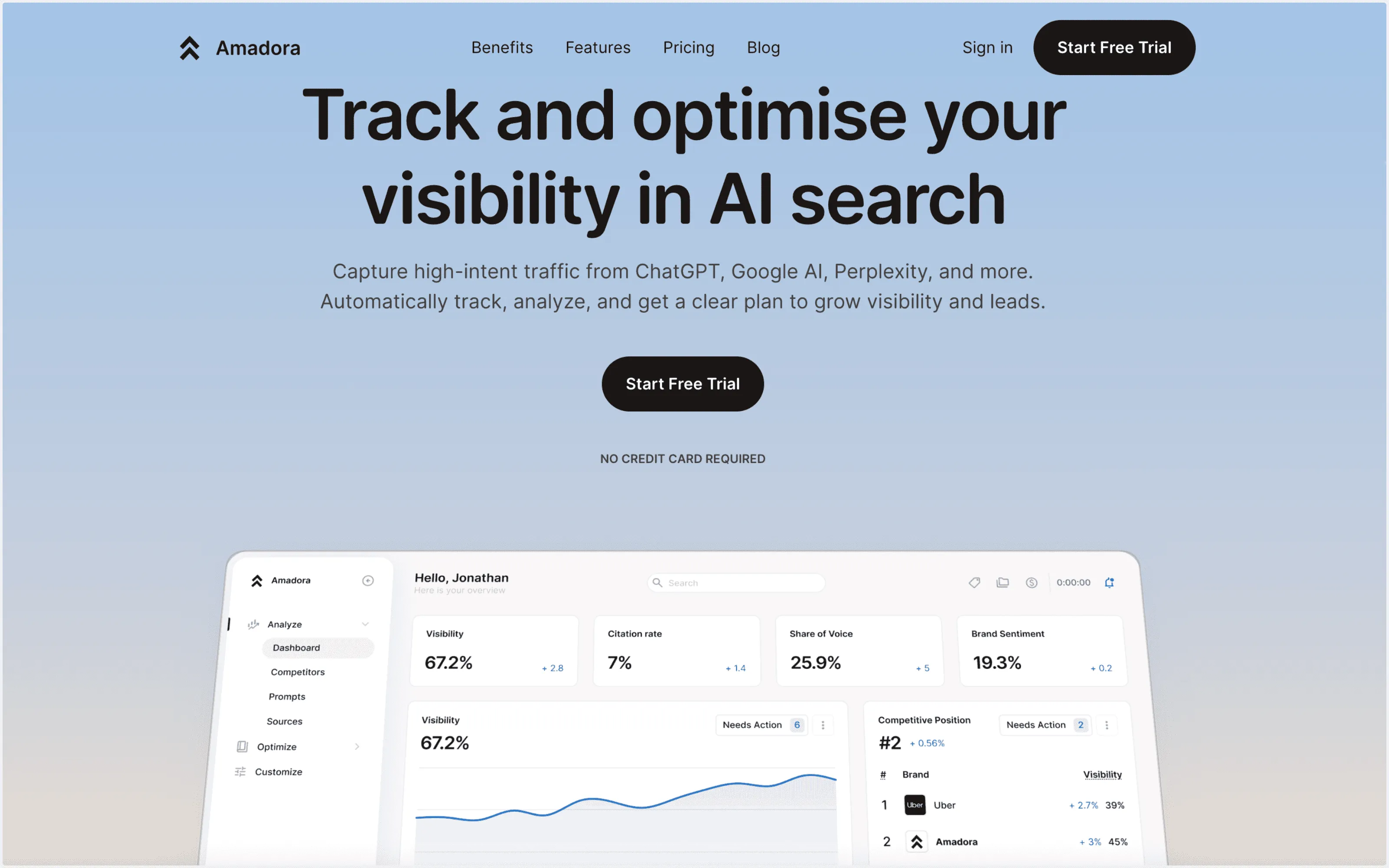
Best for: SEO teams and agencies that need repeatable prompt tracking, competitor benchmarking, and citation/source visibility in one workflow.
Tracks: brand mentions, competitor mentions, citations/sources (domains + URLs), share of voice, and prompt-level change over time.
Engines covered: ChatGPT, Google AI Overview, and Perplexity.
Reporting/exports: Built around a reporting loop: an Overview dashboard (visibility score, share of voice, average position), Prompts & Topics for prompt-level wins/gaps, Sources & Citations views (domain, URL, and “search query” views), plus Executions logs for response-level debugging.
Setup time: Fast (once you define your prompt set + competitors).
Watch out: Not ideal if you only need occasional spot checks and don’t want ongoing tracking.
2) Semrush AI visibility
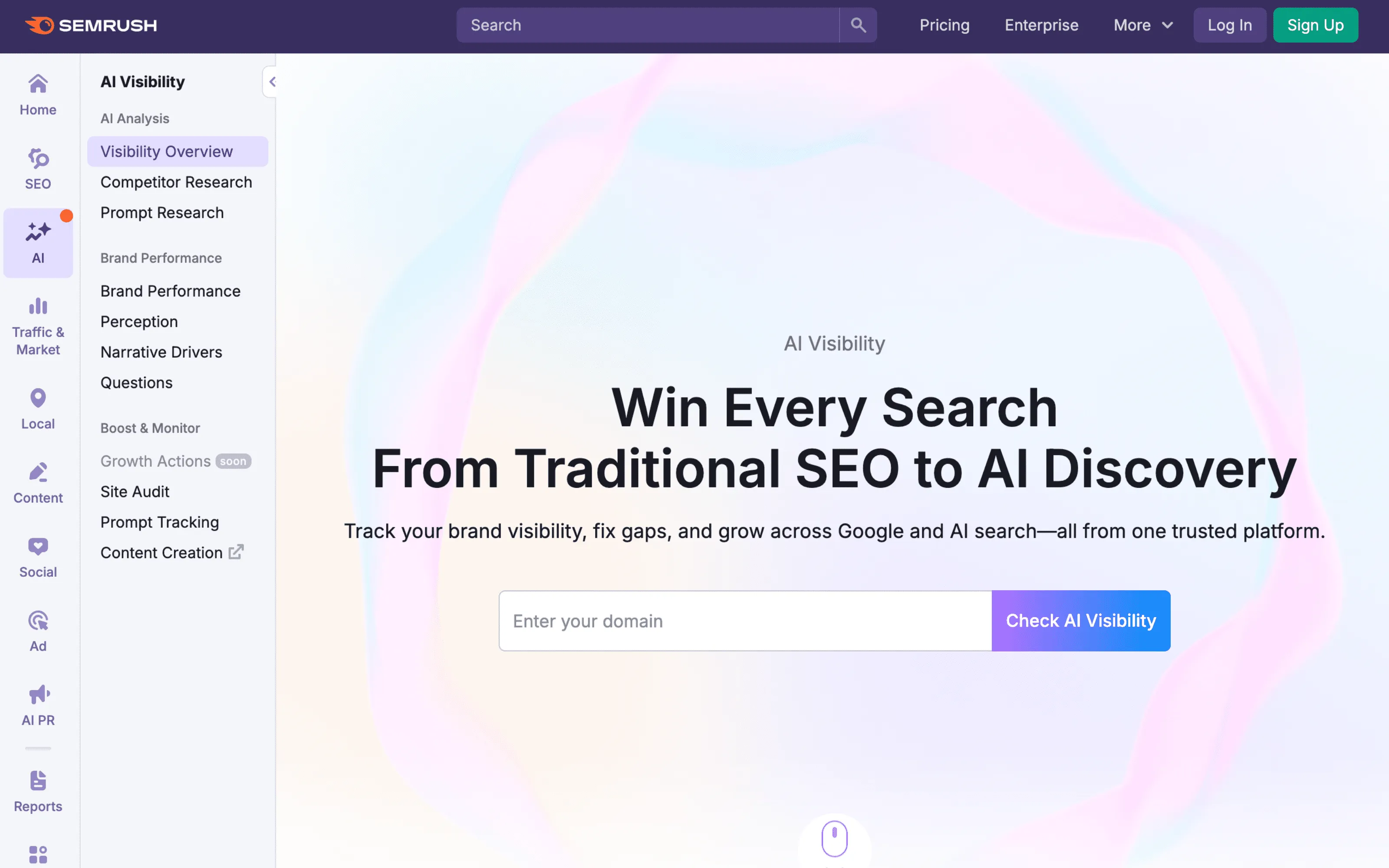
Best for: Teams already using Semrush that want AI visibility inside a broader SEO suite.
Tracks: AI visibility signals within Semrush’s ecosystem (capabilities vary by module and plan).
Engines covered: Varies by Semrush feature/module.
Reporting/exports: Convenient if you want “one suite” workflows (export options depend on plan).
Setup time: Fast if Semrush is already in place.
Watch out: Suite modules can be less flexible if you need highly custom prompt libraries per client.
3) Similarweb
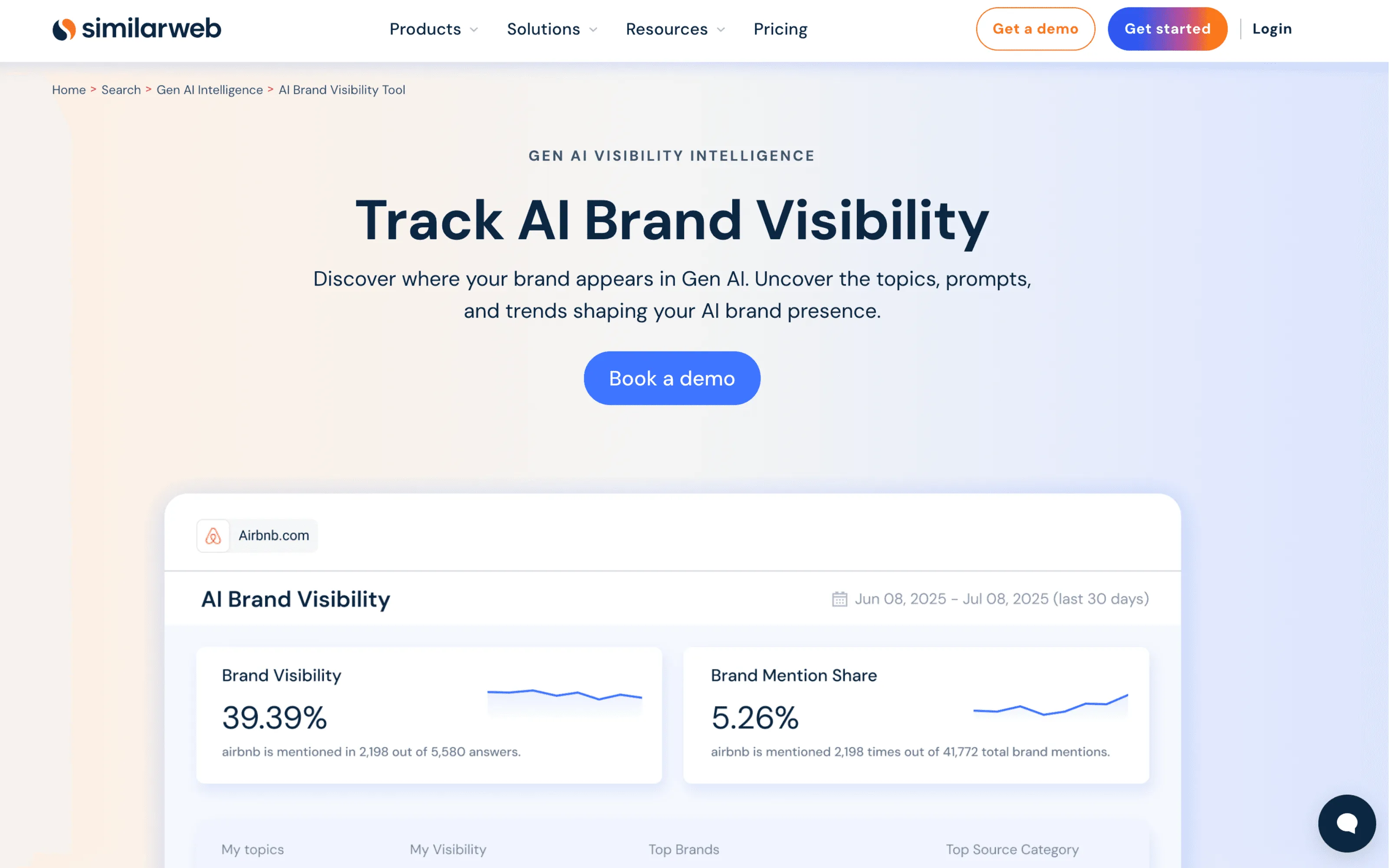
Best for: Competitive market insights and category-level visibility trends.
Tracks: competitive research signals and high-level visibility trends (tooling is strongest at market/category views).
Engines covered: Varies by product/module.
Reporting/exports: Strong for dashboards and trend monitoring (export options depend on plan).
Setup time: Moderate (depends on what modules you use and how you segment categories/competitors).
Watch out: Validate prompt-level granularity if your workflow requires prompt-by-prompt reporting.
4) Ahrefs Brand Radar
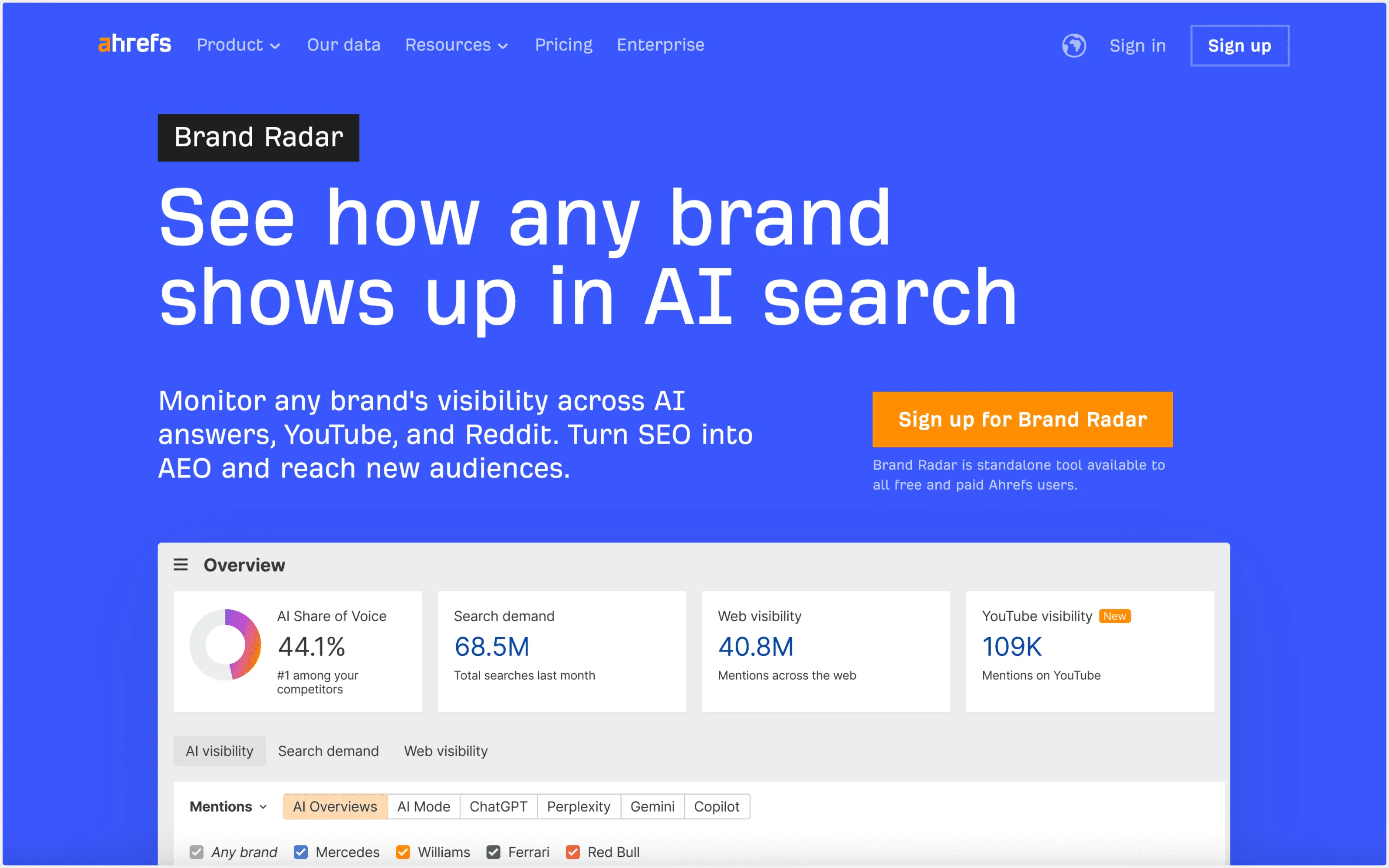
Best for: PR and brand monitoring teams that already use Ahrefs.
Tracks: brand presence signals that support brand/earned-media monitoring workflows (capabilities vary by feature/module).
Engines covered: Varies by Ahrefs feature/module.
Reporting/exports: Convenient if your reporting already lives inside Ahrefs (export options depend on plan).
Setup time: Fast if Ahrefs is already in place.
Watch out: Confirm fit if you need agency-style operations with custom prompt sets per client.
5) Profound
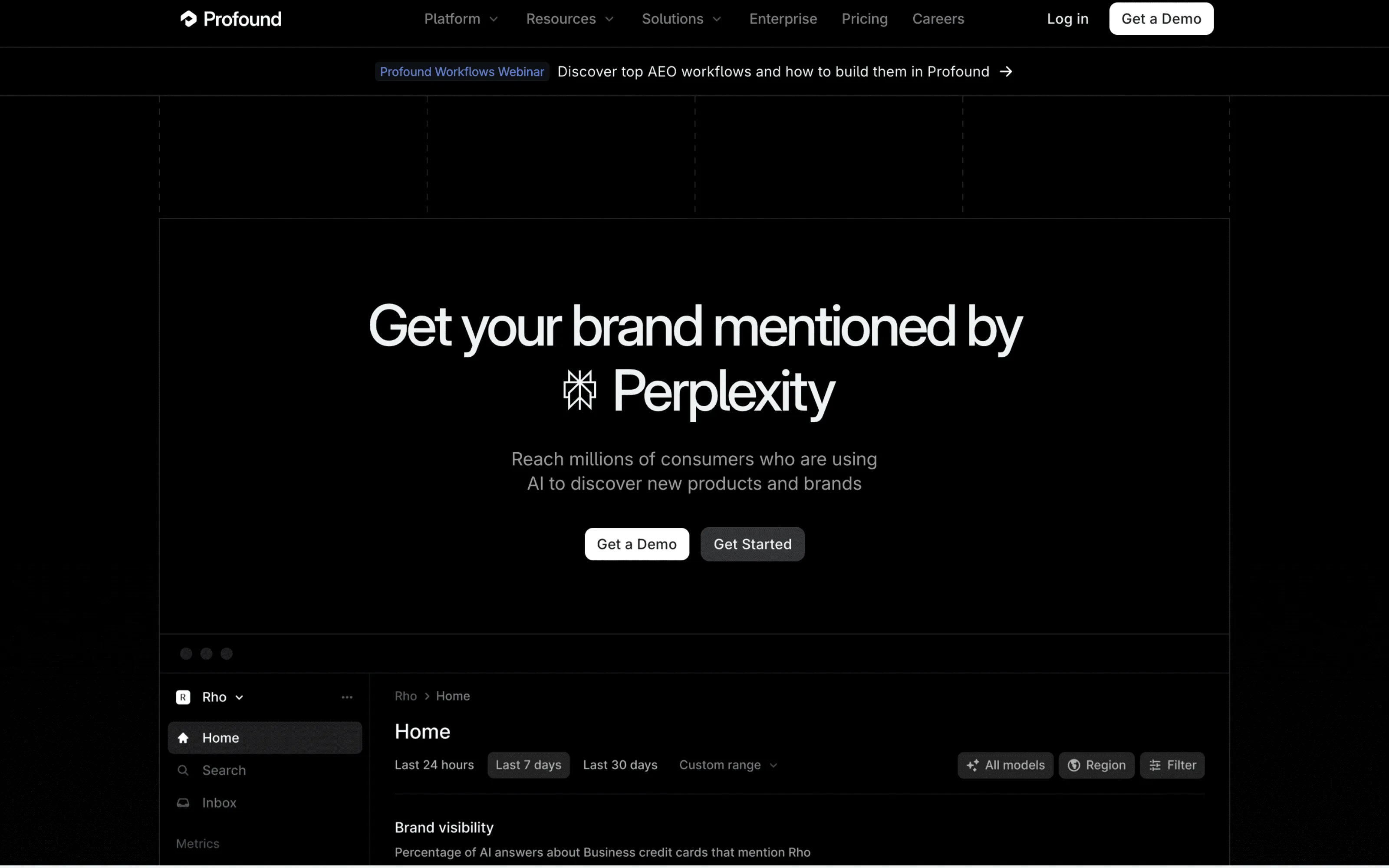
Best for: Enterprise teams that want deeper visibility analysis workflows.
Tracks: visibility analysis at scale (often used for more “research-grade” setups and cross-team reporting).
Engines covered: Depends on configuration and plan.
Reporting/exports: Designed for enterprise analysis and reporting workflows (export options depend on plan).
Setup time: Moderate to heavy (usually requires process and ownership to operationalize).
Watch out: Enterprise tools can take longer to roll out and maintain vs lightweight trackers.
6) Scrunch
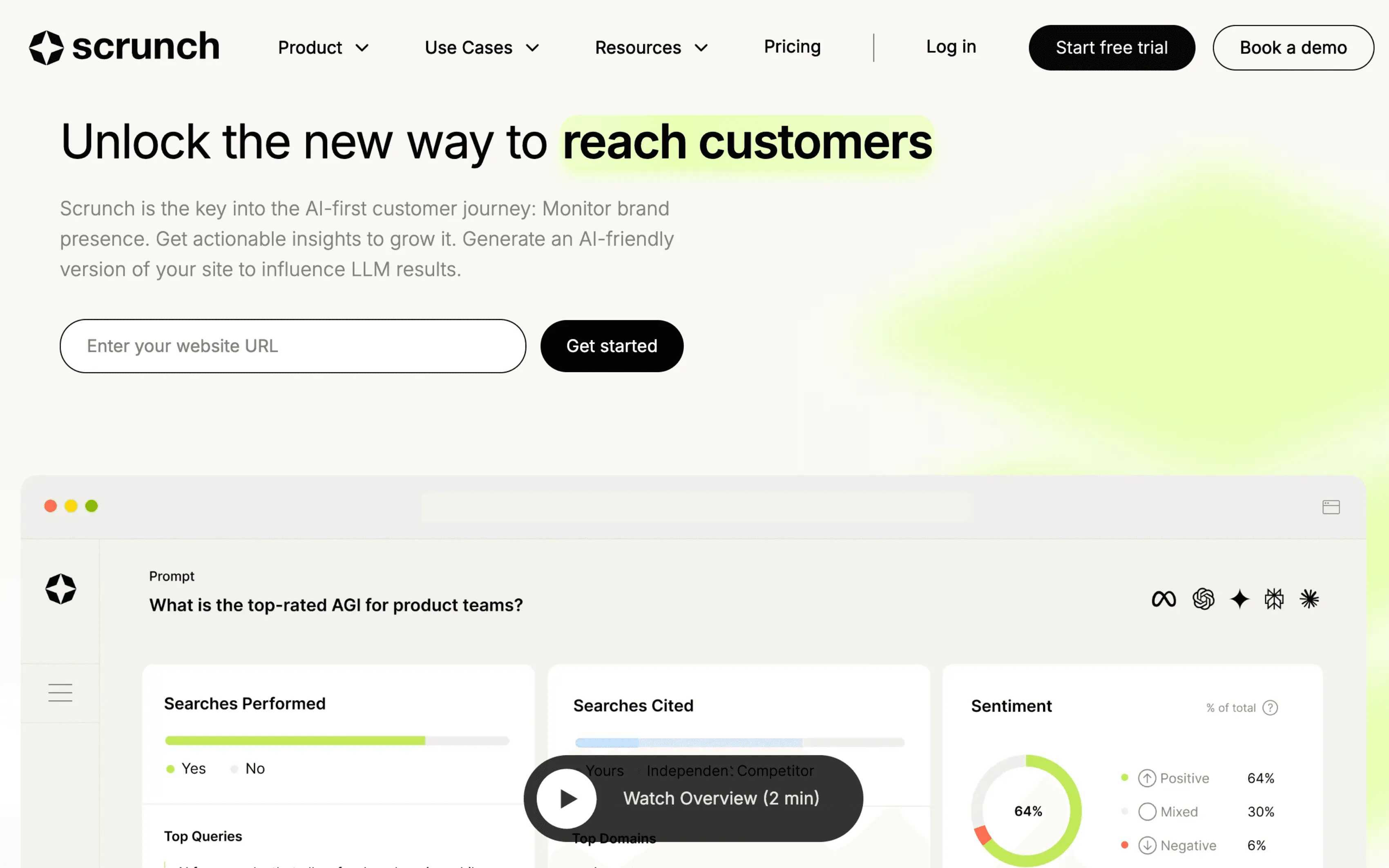
Best for: Monitoring-style teams that want brand journey framing and continuous visibility monitoring.
Tracks: ongoing visibility monitoring and interpretation-oriented insights (varies by plan/product).
Engines covered: Varies by plan/product.
Reporting/exports: Monitoring-focused reporting (confirm export formats based on your needs).
Setup time: Moderate.
Watch out: Confirm it supports your exact reporting format (agency vs in-house workflows).
7) Peec
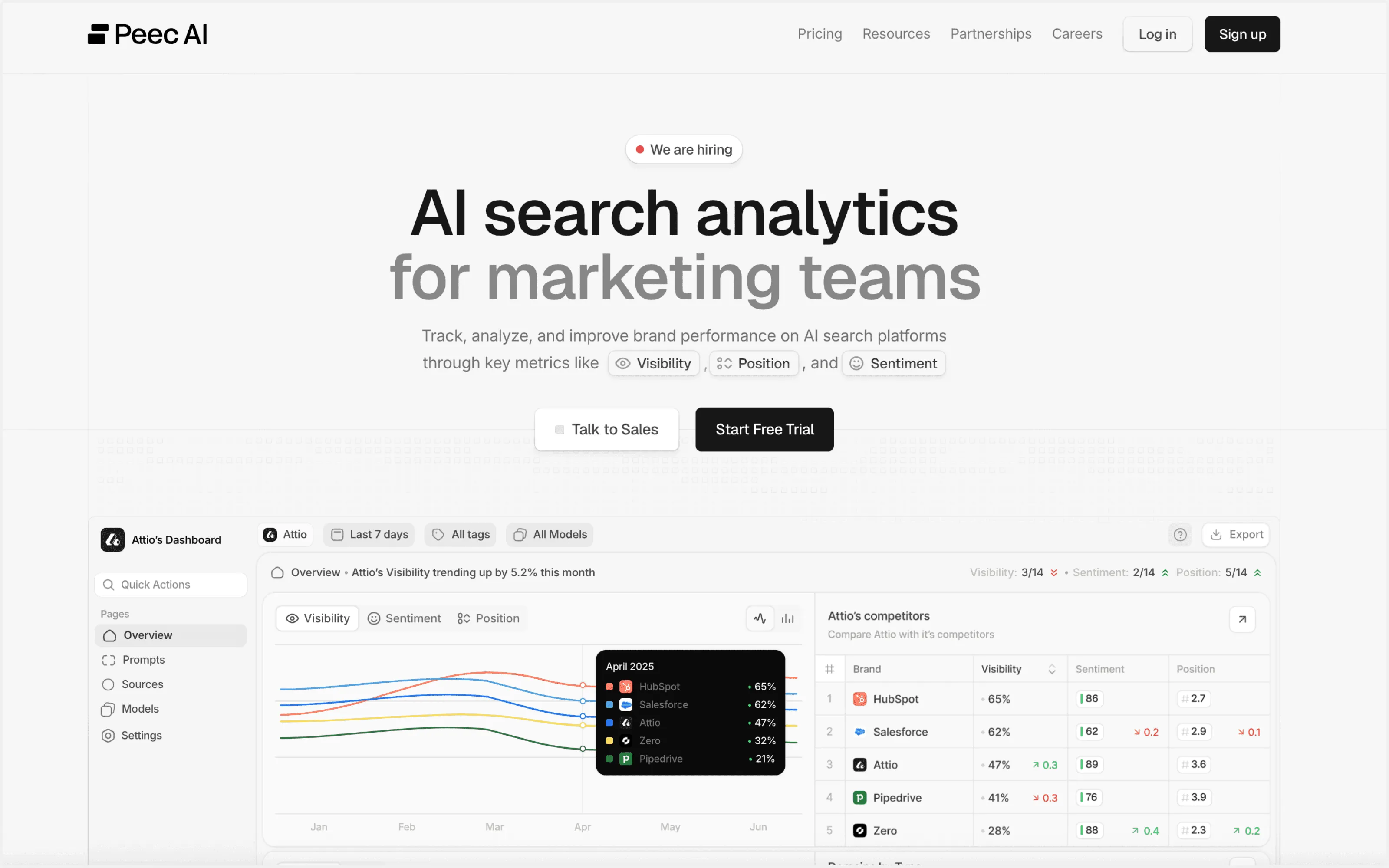
Best for: Teams that want a simple AI visibility dashboard.
Tracks: visibility monitoring with fast readouts (depth varies by plan/product).
Engines covered: Varies by plan/product.
Reporting/exports: Dashboard-style reporting (export options depend on plan).
Setup time: Fast.
Watch out: Validate depth if you need segmentation, custom workflows, or prompt-library complexity.
8) Otterly
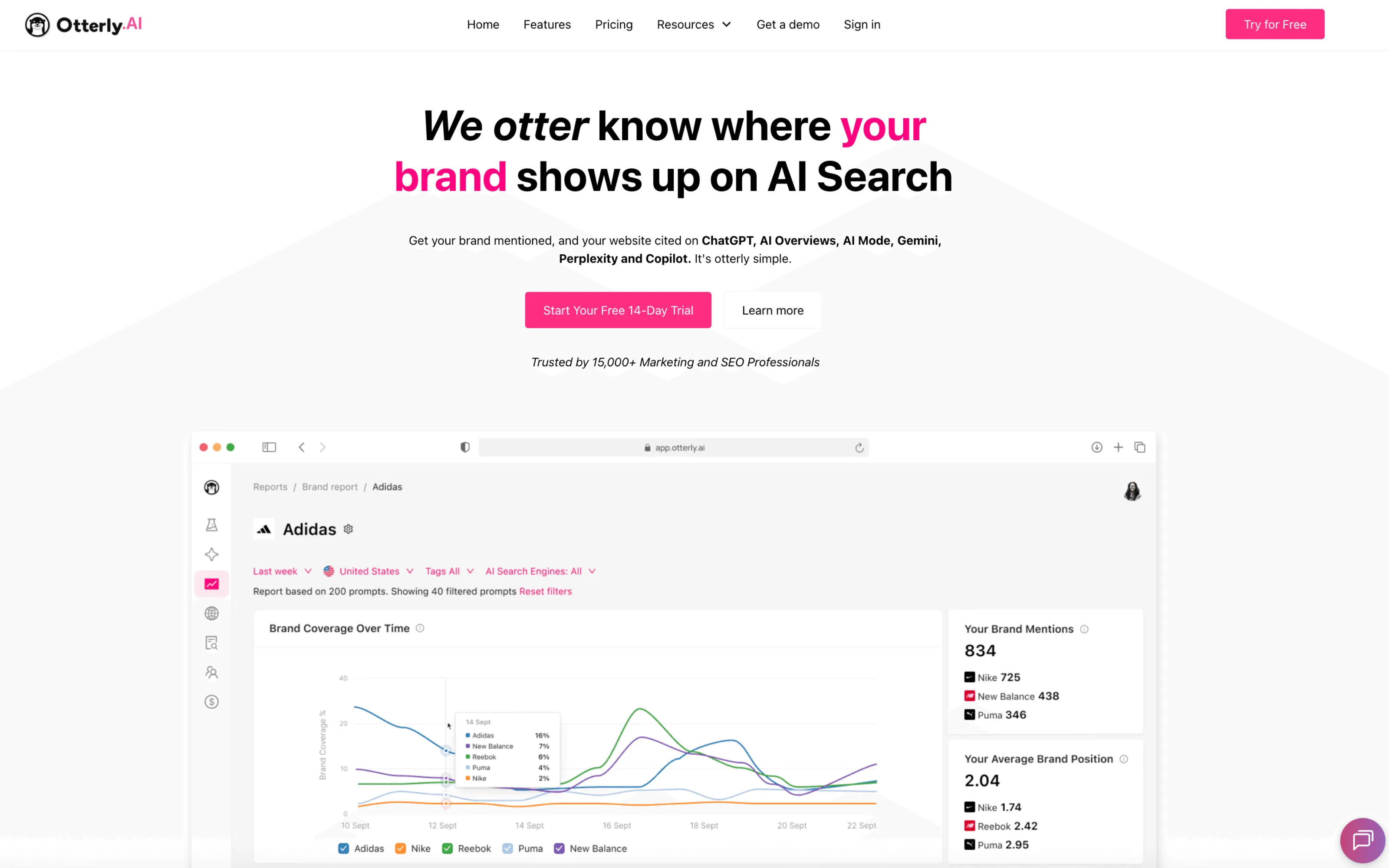
Best for: Lightweight monitoring and alerts.
Tracks: changes over time with a “watchtower” approach (alerts/monitoring-first).
Engines covered: Varies by plan/product.
Reporting/exports: Alerting + lightweight reporting (confirm exports if you need stakeholder-ready reporting).
Setup time: Fast.
Watch out: Make sure you can move from “monitoring” to clear actions and prioritization in your workflow.
9) ZipTie
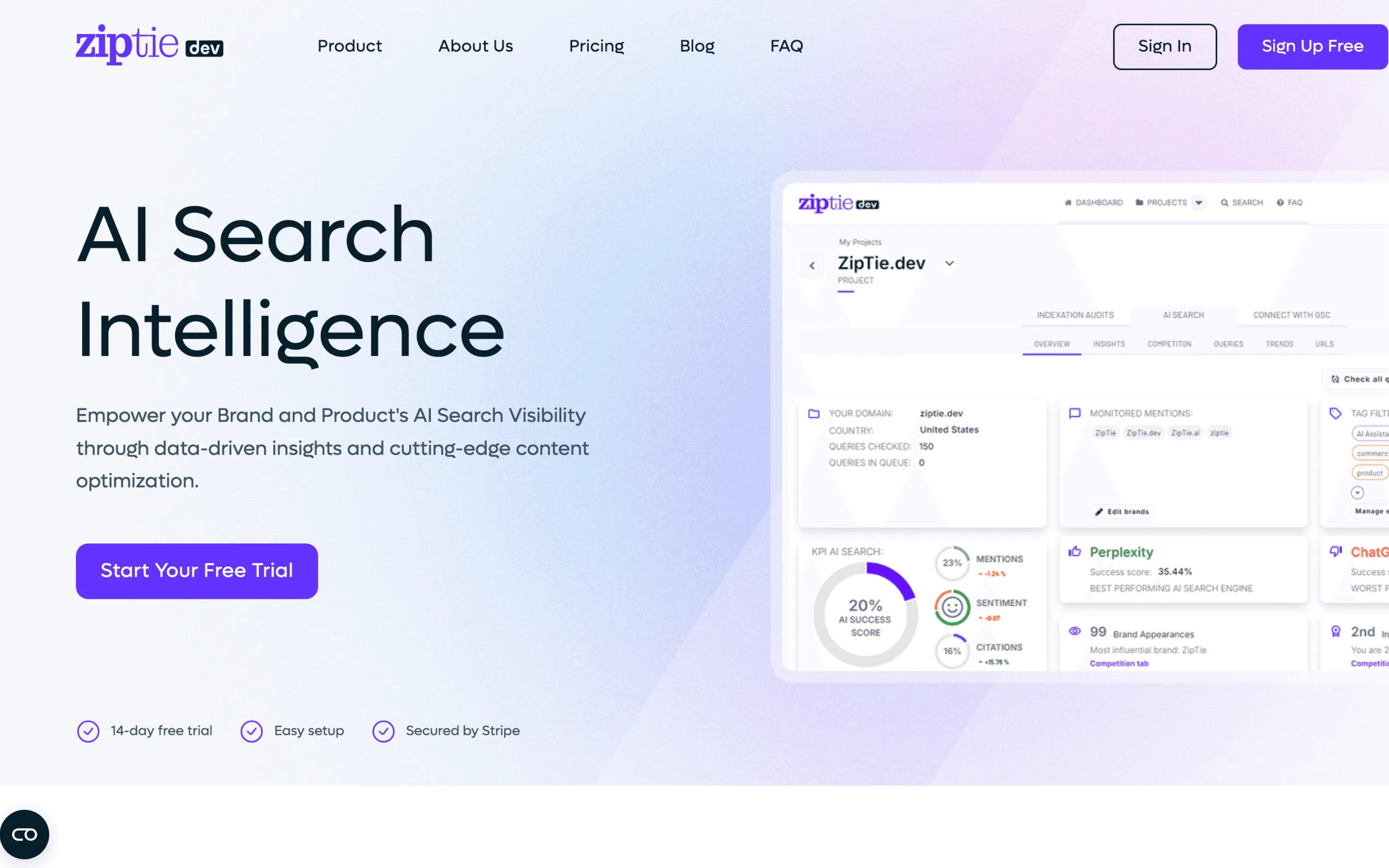
Best for: Lightweight, prompt-first tracking.
Tracks: prompt-first visibility signals for quick directional insight (varies by plan/product).
Engines covered: Varies by plan/product.
Reporting/exports: Lightweight reporting (confirm multi-client and export needs if required).
Setup time: Fast.
Watch out: Validate multi-client reporting if you’re an agency running separate prompt libraries per client.
10) Yext Scout
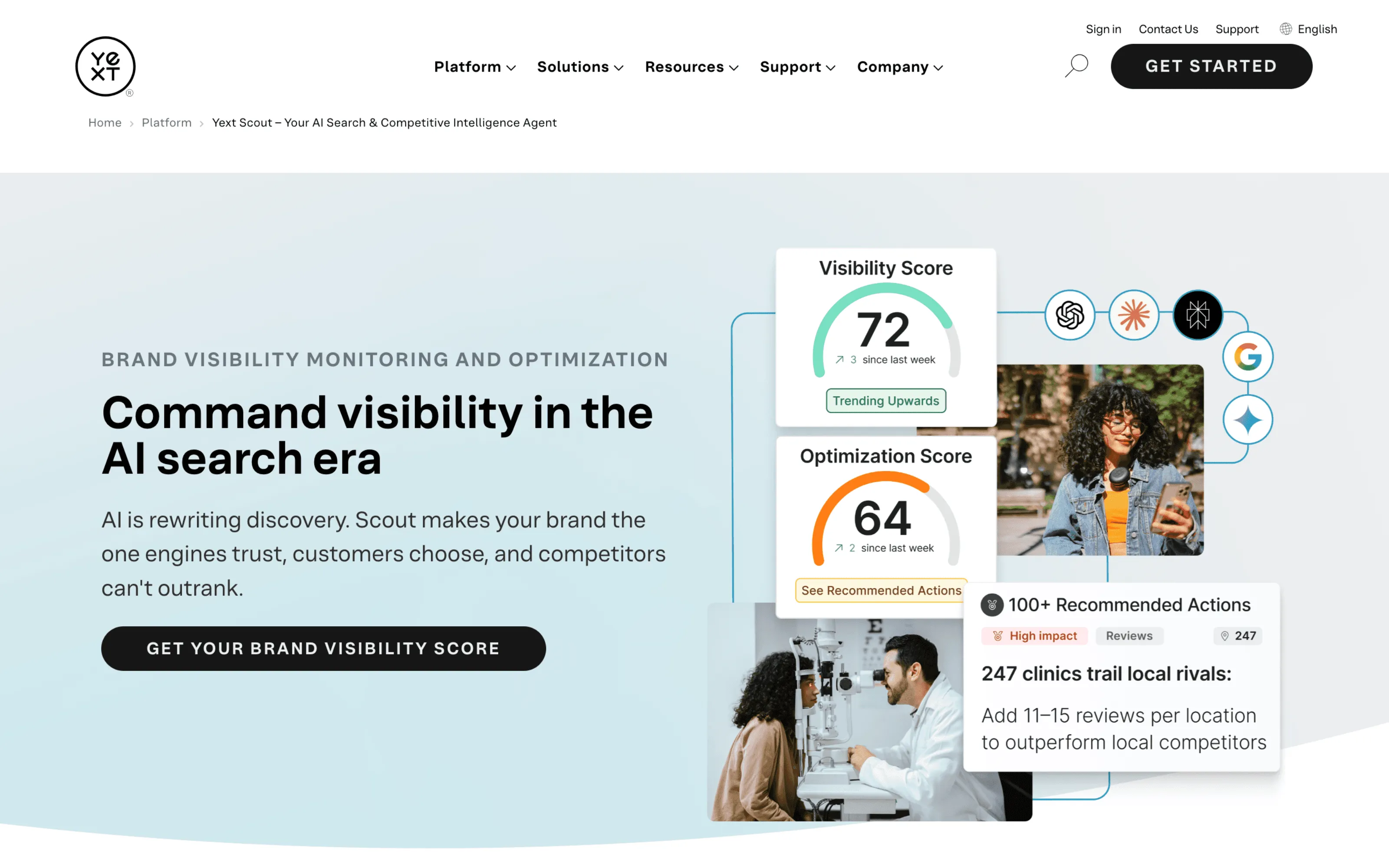
Best for: Local/entity visibility contexts and broader visibility intelligence.
Tracks: entity presence and visibility signals (stronger fit when entity data/knowledge graph presence matters).
Engines covered: Varies by plan/product.
Reporting/exports: Intelligence-style reporting (export options depend on plan).
Setup time: Moderate.
Watch out: If your main use case is SaaS category prompts, validate how well it maps to prompt-set workflows and reporting needs.
Demo script (copy/paste)
Use this to evaluate tools in 30–45 minutes.
Inputs
- One category
- Your brand + 2–3 competitors
- A baseline prompt set (10–15 prompts)
Need prompts? Start here: High-intent AI search prompt set
Ask them to show
- Results for your prompt set (not a sample dataset)
- Competitor comparison on the same prompts
- Citations/sources (domains + URLs)
- Export/reporting (CSV + time range)
- Segmentation (region/language/platform if relevant)
Pass/fail
- Can I answer “Which prompts do we lose vs competitors?”
- Can I see “Which sources influence answers?”
- Can I export “a report I can send today?”
Common mistakes
- Tracking too many prompts too early (no baseline, no learning)
- Buying a tool without competitor benchmarking (no context)
- Ignoring citations/sources (no action)
- Changing the prompt set constantly (no trend validity)
Video to watch
If you are using AI search analytics and wondering what to actually publish next, this is a useful companion. It maps the visibility signals you track back to concrete content formats that consistently earn mentions and citations.
A practical breakdown of the content types that win visibility in AI search, including Q&A formatting, original research, glossaries, buyer’s guides, commercial intent pages, and case studies.
FAQ
Do I need this if I have a rank tracker? Rank trackers measure rankings in link-based search. AI visibility tools measure presence inside generated answers (mentions, competitors, citations).
What should we track first? A stable baseline (10–15 high-intent prompts), then expand with constraints (budget, region, integrations).
How often should we track? Weekly is a solid default; increase frequency for launches or fast-moving categories.
How do we keep reporting stable with prompt variance? Keep a Core set consistent and compare trends over time. Expand one variable at a time.
What matters more: mentions or citations? Mentions tell you if you’re present. Citations tell you why you’re present—and what to improve.